How To Drink Less With Phone Limits And Dry Days
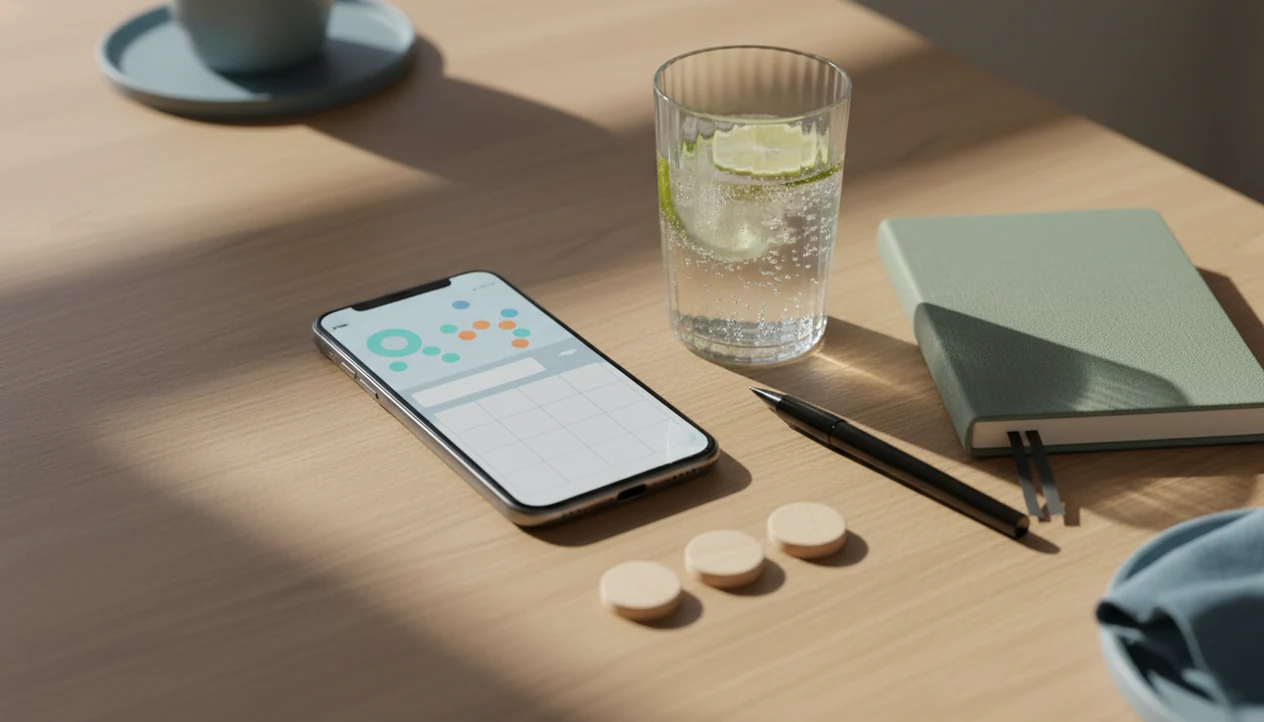
You can learn how to drink less with phone tools by tracking every drink, setting weekly and per-occasion limits, scheduling dry days, and reviewing the moods or social triggers linked to drinking. The phone is not the cure; it is the reminder, counter, journal, and support shortcut that makes your plan harder to ignore.
> Definition: Using a phone to drink less means turning your iPhone or Android into a private reduction system for drink logging, limit alerts, dry-day planning, craving notes, and support contacts.
- Start with a baseline week so you know your real drinking pattern before setting limits.
- Use weekly caps, per-occasion caps, and planned dry days instead of vague goals like “drink less.”
- Review your phone log weekly to spot people, places, moods, and times that push drinking higher.
Phone-Based Drinking Reduction At A Glance
Quick answer: A phone can help you drink less by turning your plan into visible, repeatable prompts: count drinks, define limits, note context, and review patterns. For many people, the benefit comes from making drinking less automatic, not from the phone tool itself.
Key takeaways
- Decide your weekly target before the week starts, not during a craving.
- Log drinks in real time when possible; memory often undercounts alcohol.
- Use notes for mood, place, people, and time of day to spot repeat patterns.
- Plan alcohol-free alternatives before high-risk social events.
- Review trends weekly instead of judging one difficult night.
- Seek medical advice before cutting down if you may have withdrawal risk.
A phone-based drinking reduction plan uses your phone to make alcohol intake visible, limited, and easier to review. The basic system is simple: track every drink, set limits before the drinking window starts, schedule dry days, and learn from the pattern.
That sounds small. It is not.
The plan works better when those parts stay connected. A weekly cap keeps the big picture in view. A per-occasion cap catches the Friday 6 p.m. drink that can turn automatic. Dry days add structure, and reflection shows what to change next. Me Quit is a private tracking option for adults who want one place to log drinks, set dry-day reminders, track cravings, and review milestones across smoking, vaping, and mindful alcohol reduction. People with heavy daily drinking, withdrawal symptoms, or past seizures should ask a medical professional before cutting back.
How Phone Drink Logs And Reminders Reduce Alcohol Intake
Phone drink logs reduce alcohol intake by combining self-monitoring, pre-commitment, and feedback loops in one device you already carry. Self-monitoring means the drink is recorded before it disappears into memory.
Habit loops matter here. In plain terms, a cue leads to a routine, then a reward. Your phone interrupts that loop by asking, “What are you doing right now?” before the second pour feels casual.
Pre-commitment helps because limits and dry days are chosen before cravings, social pressure, or a party cooler packed with cans. Feedback loops come from reminders, streaks, craving notes, and weekly reviews. You can build this system with an alcohol app, Notes, Calendar, Reminders, widgets, Shortcuts, or a plain counter. Tools like Me Quit can sit inside that broader plan, but the behavior is the point. For regular drinkers, real-time logging is often more useful than memory-based tracking because alcohol makes exact recall worse.
Before You Use Your Phone To Drink Less
Before setting limits, use your phone for one honest baseline week. Don’t change anything yet. Just record enough detail to see what is actually happening.
- Baseline first: Track seven normal days before choosing a lower target.
- Details matter: Record drink type, amount, time, location, mood, and who was present.
- Guidelines give context: Compare your pattern with low-risk drinking guidance where applicable, not with a friend’s tolerance.
- Binge episodes need their own flag: A heavy night can still be risky even if the weekly total looks acceptable. The CDC has reported that about 17.2% of U.S. adults had a recent binge drinking episode in 2022, according to CDC binge-drinking surveillance data: https://www.cdc.gov/alcohol/fact-sheets/binge-drinking.htm.
- Safety comes first: Shaking, confusion, seizures, heavy daily drinking, or severe withdrawal symptoms mean a phone plan is not enough.
A sour stomach before a social event is data too. Put it in the log.
Step 1: Set Phone Limits For Weekly Drinks
Set a weekly drink cap in an app, calendar, note, or habit tracker, then add a separate per-occasion cap. A weekly number alone can hide binge drinking, especially if most drinks land on one night.
Put the target where you’ll see it. A lock-screen note might say, “This week: 8 max, 3 tonight max, 2 dry days.” If your baseline is high, reduce gradually rather than making a dramatic cut you can’t safely or realistically keep.
Add warning reminders before high-risk times. Friday evening, a work event, or the hour before dinner can all become automatic drinking windows. If weekends are the main issue, a focused alcohol tracker app for weekends can make the plan easier to test without rebuilding your whole life.
Step 2: Track Every Drink On iPhone Or Android
Do I need a special app to track drinks on my phone? No. Alcohol tracking on iPhone and mindful drinking on Android can both work with a dedicated app, Notes, Reminders, Shortcuts, widgets, or a simple tap counter.
Log in real time, not the next morning. Backfilling after a late night usually misses the large pour, the top-up, or the “just one more” drink. Use standard drink estimates when you can, because a home pour may count as more than one drink. NIAAA defines a U.S. standard drink as about 14 grams of pure alcohol: https://www.niaaa.nih.gov/alcohols-effects-health/overview-alcohol-consumption/what-standard-drink. Our standard drink tracking guide explains why glass size can fool the count.
Add one mood or trigger tag with each entry: bored, tense, celebrating, lonely, hungry, annoyed. One word is enough. The point is not to write an essay in a bar bathroom. It is to catch the pattern while it is still fresh.
Step 3: Schedule Dry Days With Phone Reminders
Choose dry days before the week starts and put them in your calendar as appointments, not hopes. “No alcohol Tuesday and Thursday” is clearer than “drink less this week.”
Add replacement plans to each dry day. Try a gym class, tea, gaming, cooking, a walk, or early sleep. The reminder should arrive before the usual drinking window, not after the first drink is already poured.
Use streaks carefully. A slip does not erase the whole plan. Reset the next choice, not your identity. If you planned three dry days and completed two, that is still useful information for next week. The most common practical way to reduce casual drinking is to combine planned alcohol-free days with drink limits and weekly review.
How To Use Phone Tools To Drink Less
Use phone tools to drink less by building a five-step loop you can repeat on iPhone or Android. Keep it plain enough that you’ll still do it when you’re tired.
- Set a weekly cap in an app, note, calendar, or habit tracker before the week begins.
- Log each drink in real time, including rough standard drink size and one mood tag.
- Schedule dry days as calendar events with a replacement plan during your usual drinking window.
- Review triggers once a week, including people, places, moods, time of day, and spending.
- Reset next week by changing one limit, reminder, or social plan instead of rewriting everything.
Small next step. Then repeat.
Phone systems like the Me Quit mequit addiction recovery hub for quit smoking, stop vaping, quit drinking, and mindful alcohol reduction should deliver private tracking, limits, craving tools, and reset support, not diagnosis, detox, or emergency medical care.
Step 4: Review Social Triggers In Your Phone Log
Review your phone log once per week, not only after a bad night. Mindful drinking requires reflection, not just counting.
Look for the real trigger pattern. Certain friends, work stress, loneliness, boredom, celebrations, and late-night delivery can all push drinking higher. So can the lighter offered across bar stools when cigarettes and drinks start pairing up again.
Ask three brief questions: Was it worth it? How did I sleep? What happened before the first drink? You might notice that sparkling water in a rocks glass works at home, but not during a loud birthday dinner. Use that pattern to adjust next week’s limits, dry days, or social plans. For people who drink around nicotine cravings, a craving tracker can show whether alcohol, cigarettes, and vapes are feeding the same loop.
Common Phone Mistakes When Trying To Drink Less
Most phone plans fail because the setup looks good, but the daily use is too loose. Watch for these predictable mistakes.
- Downloading without deciding: An app will not help much if you never set a weekly cap, dry days, or per-occasion limit.
- Logging only the “official” drinks: Real-time tracking matters because memory gets fuzzy after drinking.
- Ignoring binge episodes: Weekly totals can look controlled while one night still becomes risky.
- Overloading notifications: Too many alerts become background noise, then irritation.
- Writing shame notes: “I messed up again” teaches less than “three drinks after argument, slept badly.”
- Skipping support contacts: Add one person, helpline, clinician, or group you can reach during high-risk moments.
If you want app criteria rather than random downloads, compare features in a best drink less app guide before choosing.
Weekly Phone Review For Mindful Drinking Progress
A weekly phone review shows whether the plan is working and what should change next. Choose one adjustment, not a total rewrite.
| Review item | What to check | What to do next |
|---|---|---|
| Weekly drinks | Actual total versus weekly cap | Lower, hold, or adjust the cap realistically |
| Dry days | Planned days versus completed days | Keep the same days or move them away from high-risk events |
| Highest-risk pattern | Day, place, mood, and person | Change one social plan or add a reminder |
| Body and life effects | Sleep, mood, spending, productivity, cravings | Note what improved and what worsened |
| Support needs | More drinking, less control, withdrawal signs | Contact a clinician or qualified support service |
Per the NIAAA’s Alcohol Facts and Statistics page (NIAAA alcohol data), 29.5 million people aged 12 and older in the United States had alcohol use disorder in 2022. If your numbers are rising despite limits, or you feel unable to stop once you start, more support is a safer next step.
When To Get Medical Help Before Cutting Back
Get medical help before cutting back if you drink heavily every day, have had withdrawal before, or notice warning signs when alcohol wears off. A phone plan can organize the facts, but it cannot make withdrawal safe.
Alcohol withdrawal can become dangerous because the brain and body may have adapted to regular alcohol. Red flags include shaking, sweating, fast heartbeat, severe anxiety, confusion, hallucinations, seizures, or feeling unable to stay oriented. Stopping suddenly after heavy daily drinking can trigger symptoms that need medication, monitoring, or a supervised detox plan.
- Call a clinician if you drink daily, need alcohol to steady yourself, wake up craving a drink, or are unsure how quickly to reduce.
- Seek urgent support if shaking, vomiting, confusion, hallucinations, severe agitation, or worsening symptoms appear after you cut down.
- Use emergency services for seizures, loss of consciousness, chest pain, serious injury, or any situation that feels immediately unsafe.
- Bring your phone log to care so the clinician can see amounts, timing, dry days, symptoms, and triggers.
- Keep tracking supportive, not substitutive. Me Quit, notes, reminders, and drink logs can support care, but they do not replace detox planning.
Limitations
Phone tools can help you drink less, but they have real limits. Treat the app or note as a support tool, not a medical safety plan.
- Phone tracking depends on honest, real-time logging. If entries are skipped, the review becomes unreliable.
- Apps cannot manage alcohol withdrawal, detox, seizures, confusion, or severe shaking.
- Clinicians typically recommend medical support when withdrawal symptoms, loss of control, or safety risks are present.
However, needing more support does not mean the phone work was wasted. It can give a clinician clearer information.
FAQ
Can my phone help me drink less?
Yes. A phone can support drink tracking, limits, dry-day reminders, craving notes, and weekly reflection, but it only works if you use it consistently.
What should I track first when I want to drink less?
Start with drink count, time, place, mood, and trigger context. Add who was present if social settings affect your drinking.
Which app tracks alcohol on iPhone?
Look for iPhone alcohol tracking that supports drink counts, standard drink estimates, limits, dry days, reminders, and private notes. Me Quit is one option if you also want craving and streak tools.
Can Android reminders reduce drinking?
Android reminders can help when they appear before high-risk periods. They work best when tied to a specific limit, dry day, or replacement plan.
How many dry days should I schedule each week?
The number depends on your baseline intake, health goals, and safety needs. Planned alcohol-free days create more structure than vague intentions.
Should I count every drink in my phone log?
Yes. Count every drink in real time, and remember that large pours may count as more than one standard drink.
Does tracking drinks stop binge drinking?
Tracking can reveal binge patterns, but it does not prevent them by itself. Use per-occasion limits along with weekly caps.
Is alcohol tracking private on my phone?
It depends on your settings. Review app privacy, phone lock settings, cloud sync, shared device access, and notification previews.
When is an app not enough for drinking less?
An app is not enough for withdrawal symptoms, heavy daily drinking, seizures, confusion, or repeated loss of control. In those cases, contact a medical professional or urgent support service.